Microsoft 365 Copilot
Microsoft 365 Copilot is an AI-powered utility with smart work from anywhere.

Safe & Secure
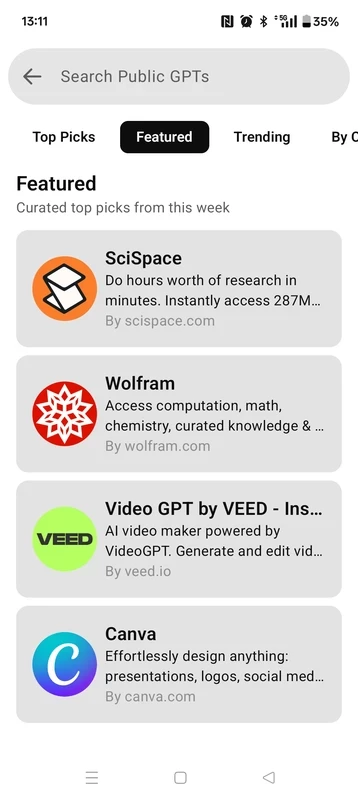
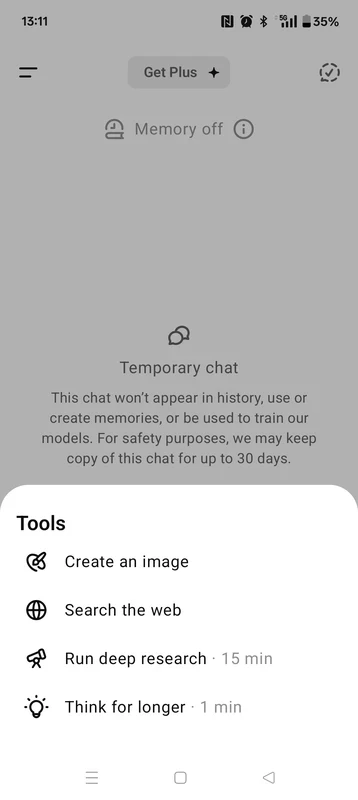
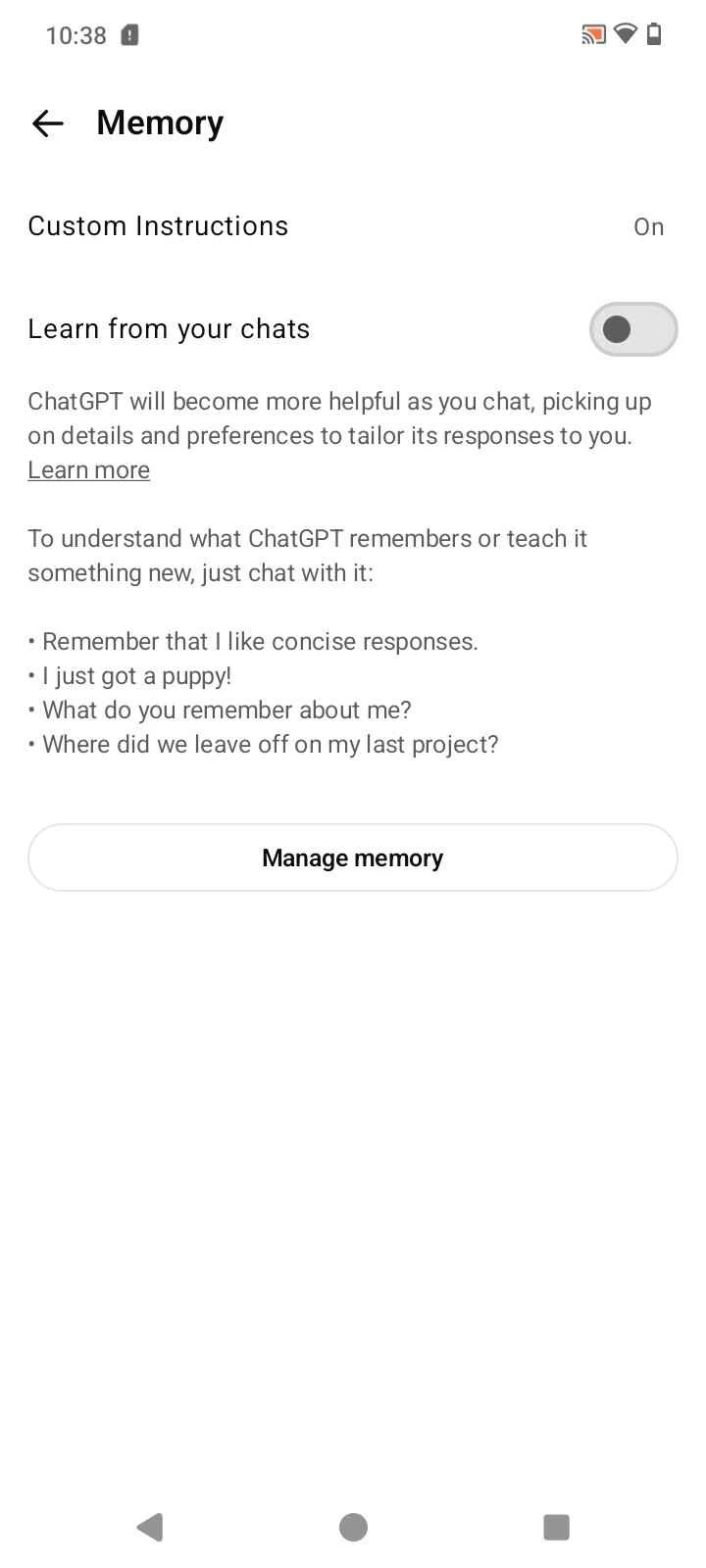
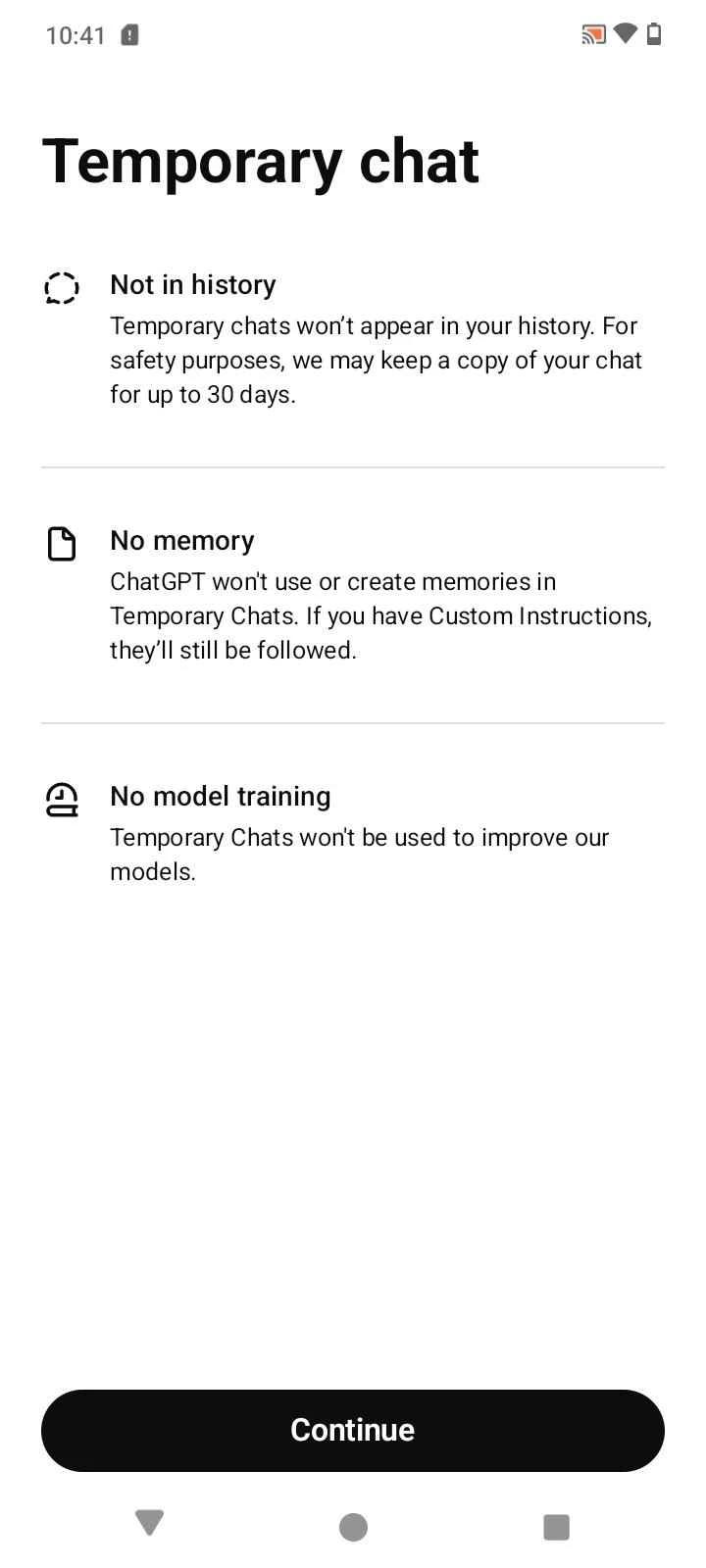
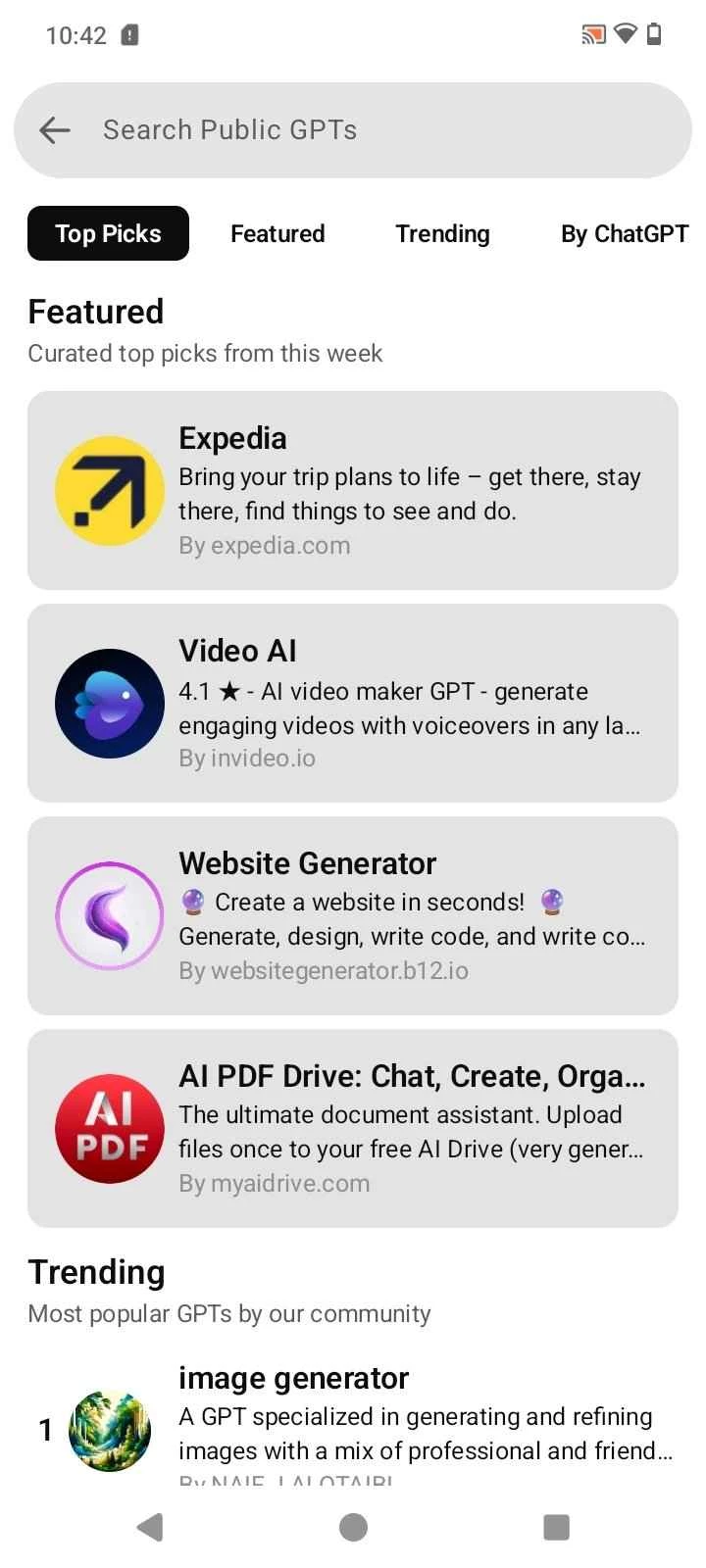

ChatGPT is an AI tool that helps to process and generate content through user interaction of users. It is free and offers awesome services in different scenarios i.e. education, businesses, and so on. It provides answers to your prompts very quickly, enhancing the interactive conversation and productivity.
The functional interface with portability and versatility provides a virtual assistant with fool-proof security, and users can get awesome text-based as well as visual content according to their requirements. You need only to type a comprehensive prompt into the given field, and get whatever you want, such as writing essays, learn new concepts, getting awesome ideas, and so on.
ChatGPT, an abbreviation of Chat Generative Pre-trained Transformer, is a powerful AI tool developed by OpenAI. The GPT-3.5 language model is used to build ChatGPT initially, and enables users to input their prompts to get answers to their complex tasks. The neural network-based chatbot uses the information extracted from the Internet.
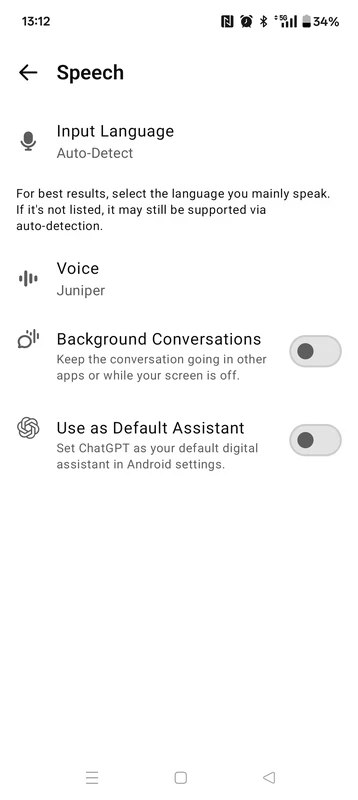
The innovative AI tool is equipped with a Speech Recognition system to enable users to speak their query instead of typing a prompt, and easily talk to ChatGPT. It will quickly help you in different ways, such as writing essays, letters, speeches, poetry, and also solve complex mathematical concepts. You can generate visual content as well.
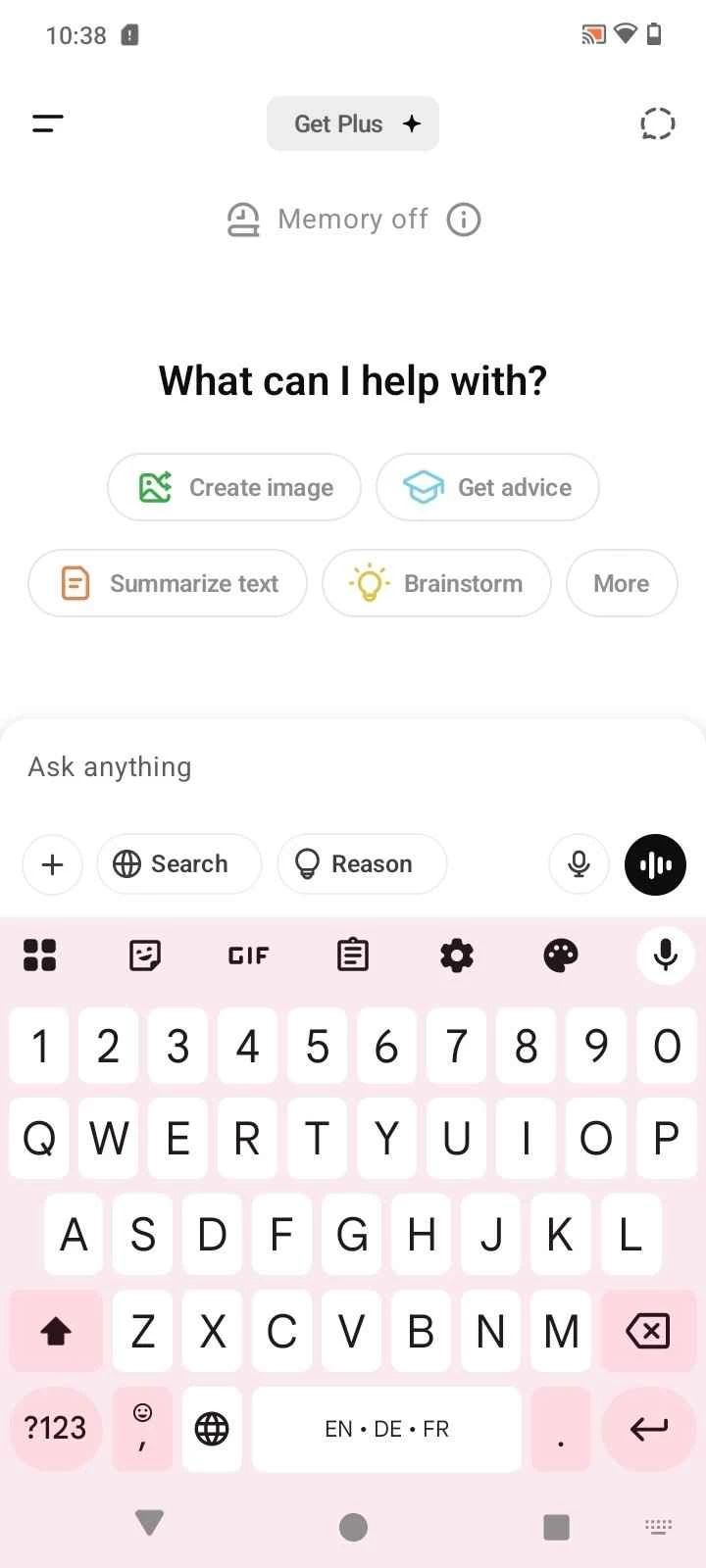
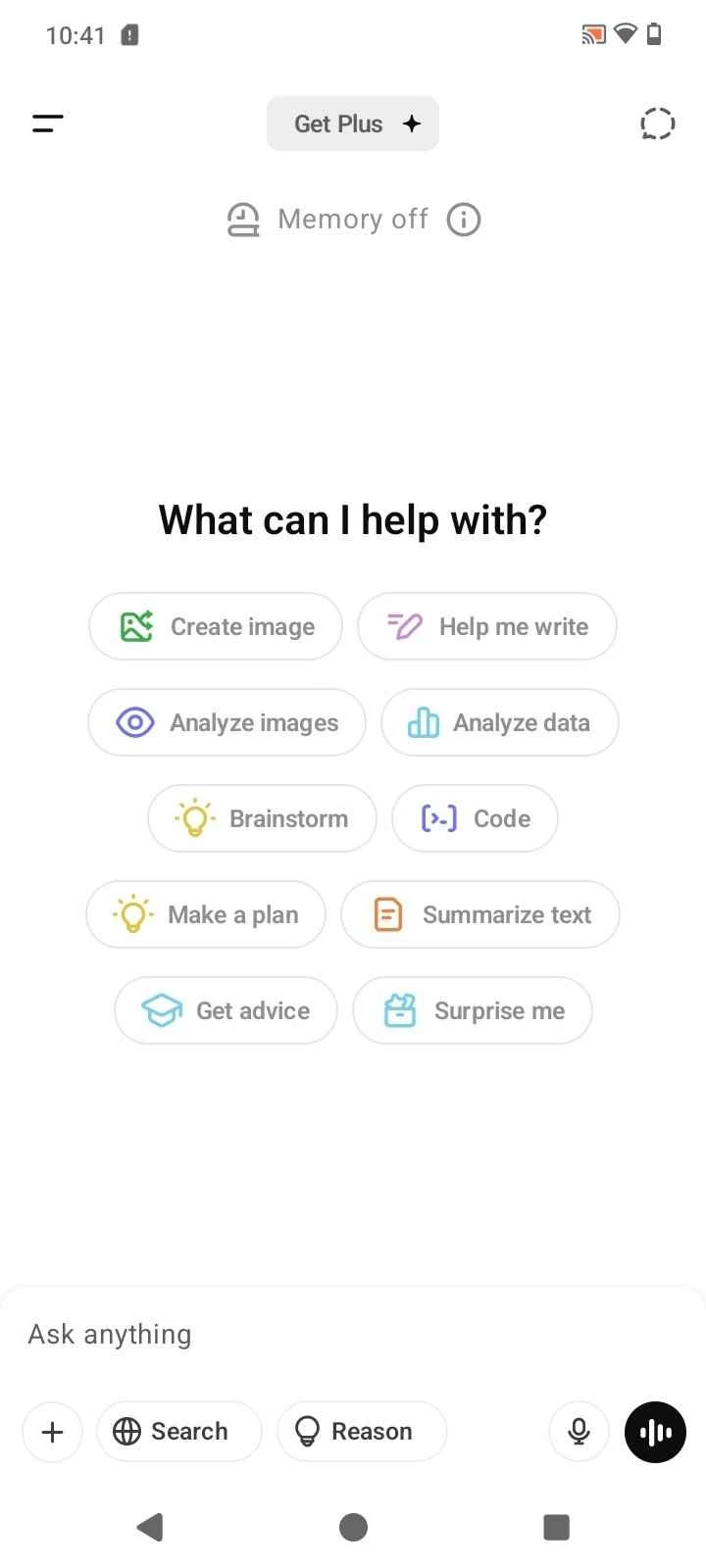
You can download and install ChatGPT from the official website, Google Play Store, or by simply clicking the “Download” button given on the page. Launch the app by clicking the icon that appears on your home screen, and complete the login process using your Google account, or create a new account. You are prompted to the main screen with a text box in the center of the screen. Here you have three ways to input your queries;
After it clicks the down arrow to submit your prompt. ChatGPT responds to you within seconds, and you can ask more queries to continue a conversation and get complete details about your query.
ChatGPT proves to be a big wizard to offer limitless types of written content while extracting from the internet. No bother of navigating to different websites for getting the content, simply log in to ChatGPT, and generate content in different scenarios such as draft emails, summarize articles, compose poetry, brainstorm new ideas, and even manage different programming languages while coding snippets. You can use it for solving the concepts of multiple sciences, such as mathematics, physics, etc. The app with ground-breaking functionality helps users at both the student and professional levels.
You feel free while working with any other language, as ChatGPT offers one of the key features to translate any language into your own language. The multilingual support helps users across the world to collaborate and work on any project or general research without any language limitations.
You can use the app free of cost for limited and personal use, as the free version is equipped with conversation and some other basic features. However, you need to purchase the subscription plan to get a more accurate and reliable response. You have the option to select the Plus Plan for new features and the Enterprise plan for fast growth of your business while using more customized AI features.
On asking a query from ChatGPT, you will get a detailed answer with examples, and the plus point is that it will break down the information into small paragraphs for your ease in understanding. At the end, it also suggests some more advice for you, and gives you ideas to carry out your projects in a better way.
When you navigate to the main screen, you will find it simple and intuitive, and you also have the option to make changes according to your requirements. You need only to click the Settings menu and set your chat mode, temperature, or maximum tokens. One thing is important: the app requires a strong and stable network connection to offer quick and real-time assistance.
Pros
Cons

Microsoft 365 Copilot is an AI-powered utility with smart work from anywhere.

Google Gemini AI-powered content right on your smartphone

PayPal enables users to transfer money securely and safely within a trusted digital wallet.

Android Auto for smart, safe driving while staying connected on the road

Perplexity AI-powered search companion asks more, and gets detailed information

U-Dictionary is a unique language-learning companion with multi-mode translations